
Gmail is no longer just an email app — it’s turning into a full-scale AI-powered productivity assistant. With the rollout of Gemini AI inside Gmail, Google is redefining how people read, write, search, and manage email. For billions of users, this could be the biggest upgrade Gmail has ever received.
This article breaks down what’s new, why it matters, what the original coverage didn’t fully explore, and what users should realistically expect next.
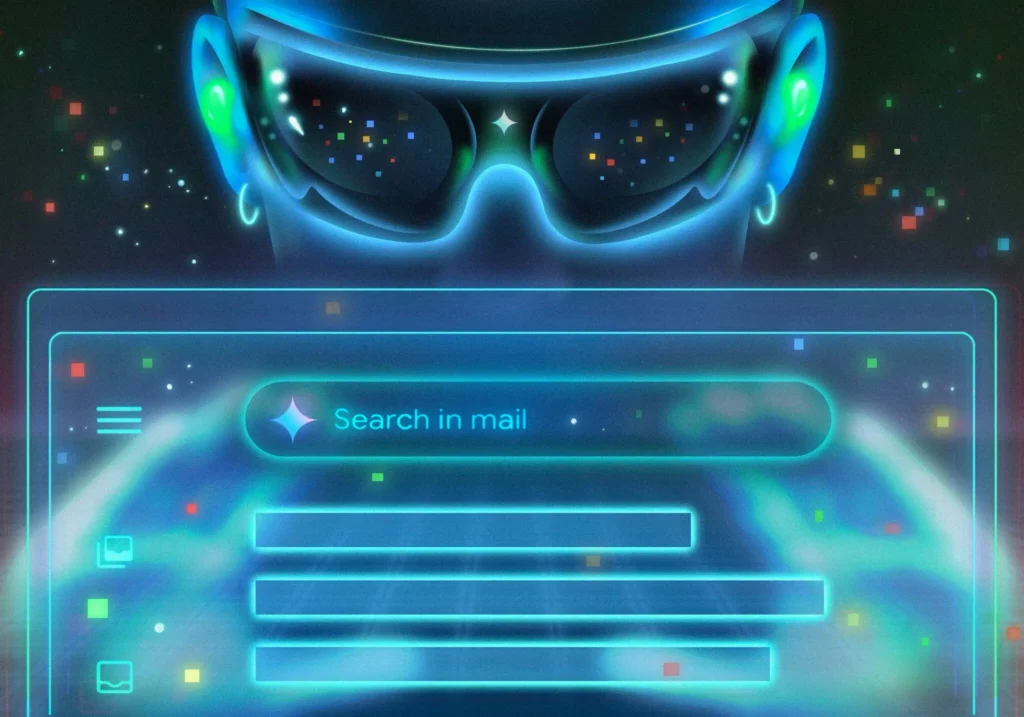
Gmail’s Big Shift From Inbox to Intelligence Hub
Email overload has been a problem for years. Thousands of unread messages, long threads, forgotten tasks, and missed follow-ups have turned inboxes into digital stress zones.
Gemini AI is Google’s answer.
Instead of forcing users to adapt to email, Gmail now adapts to users.
The AI Inbox: A Daily Briefing, Not a Message List
The most noticeable change is the AI-powered Inbox experience.
Rather than showing emails in simple chronological order, Gmail now:
- Highlights what matters most today
- Surfaces urgent tasks and deadlines
- Flags emails that require action
- Brings important conversations back to the top
Think of it as a daily email briefing, not a pile of messages. This alone can save users significant time each day.
AI Summaries That Actually Reduce Reading Time
Long email threads are one of the biggest productivity killers. Gemini solves this with automatic conversation summaries.
With one click, Gmail can:
- Read an entire thread
- Identify decisions, questions, and next steps
- Present a short, clear summary
You no longer need to scroll endlessly or guess what you missed. This is especially valuable for work emails, group conversations, and long planning discussions.
Ask Your Inbox Questions Like a Human
Traditional email search relies on keywords — and memory.
Gemini changes that.
You can now ask your inbox questions like:
- “What did my manager say about next week?”
- “Where is my flight confirmation?”
- “Which emails need a response today?”
Gmail understands context, not just words, and gives you direct answers instead of a list of search results.

Writing Emails Is Faster and Less Stressful
Gemini also helps on the writing side.
Built-in tools can:
- Draft emails from scratch
- Rewrite messages to sound more polite, professional, or casual
- Fix grammar and clarity
- Suggest smart replies based on context
Instead of staring at a blank screen, users get instant drafts they can edit and personalize.
What the Headlines Didn’t Emphasize Enough
Gmail Is Becoming a Memory System
With Gemini, Gmail isn’t just storing emails — it’s understanding them. Your inbox becomes a searchable memory of your work, travel, conversations, and commitments.
AI Changes How We Work With Email
This isn’t about saving a few seconds. It’s about changing behavior:
- Less searching
- Less rereading
- Fewer missed tasks
- Faster decisions
For professionals, this could quietly reclaim hours each week.
Control Still Matters
Users can:
- Turn AI features on or off
- Manage smart personalization settings
- Decide how deeply AI interacts with their inbox
This matters for privacy-conscious users and organizations.
Privacy and Trust: The Question Everyone Asks
A major concern is whether Gmail uses personal emails to train AI.
Google states that:
- Emails are not used to train public AI models
- AI processing stays within user accounts
- Existing security and privacy protections apply
That said, users are encouraged to review their settings and understand how smart features work.
Limitations to Be Aware Of
Gemini isn’t perfect.
- AI summaries can occasionally miss nuance
- Suggested replies may feel generic
- Some advanced features may require paid plans
- Rollouts may be gradual by region or language
Human review still matters — especially for sensitive or critical emails.
Frequently Asked Questions
Is Gemini AI available to all Gmail users?
Many features are rolling out broadly, while some advanced tools may require a paid Google AI plan.
Can I turn off Gemini features?
Yes. AI tools can be disabled in Gmail’s smart features and personalization settings.
Will Gmail write emails without my input?
No. Gemini assists with drafts and suggestions, but users remain in control of what gets sent.
Does this replace Google Assistant?
Not exactly. Gemini complements existing tools, focusing specifically on email intelligence and productivity.
Is Gmail becoming too automated?
Automation is optional. Users decide how much AI assistance they want.

Final Thoughts
Gmail’s Gemini integration signals a major shift in how digital communication works.
Email is no longer just about sending messages — it’s about understanding, prioritizing, and acting. With AI handling the heavy lifting, users can focus on decisions instead of inbox management.
This isn’t just a Gmail update.
It’s the beginning of a smarter relationship between humans and their inboxes.
Sources The New York Times

Ողջույն, ես ուզում էի իմանալ ձեր գինը.