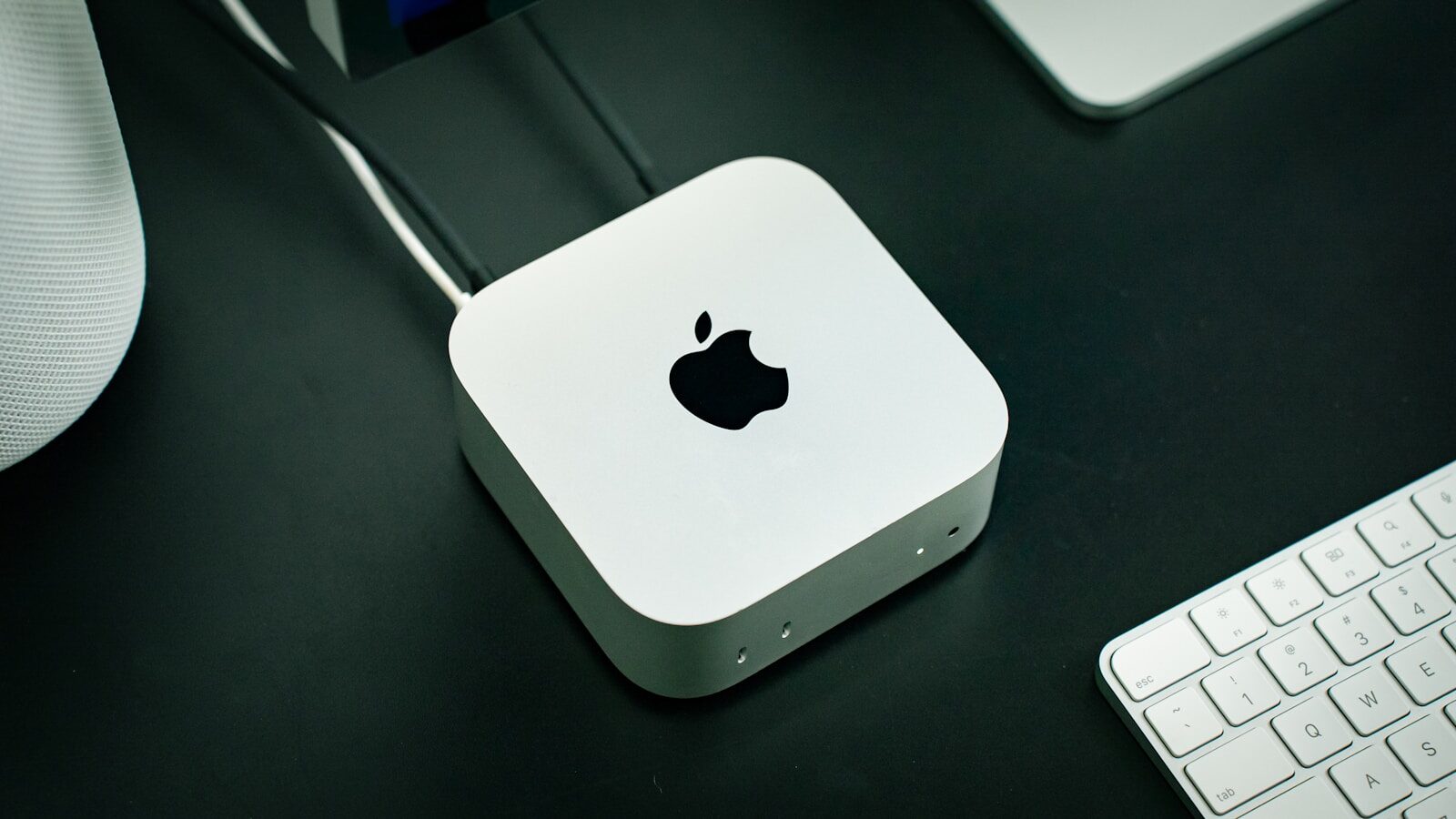
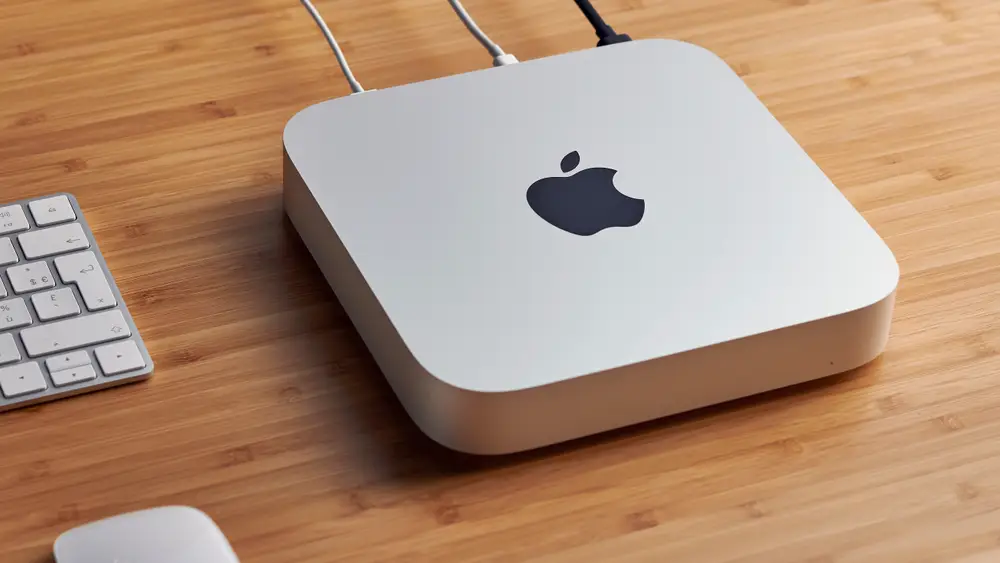
Perplexity, best known as an AI-powered search and answer engine, is reportedly giving away Apple Mac minis as part of a broader push into “personal computer” tools. The move may sound unusual at first: why would an AI search company hand out desktop computers? But it points to a much larger shift happening across the technology industry.
AI companies no longer want their products to simply answer questions in a chat box. They want AI systems to use computers, browse the web, open apps, manage files, complete forms, analyze documents, and perform multi-step tasks on behalf of users. In other words, the next major battleground in AI may be the personal computer itself.
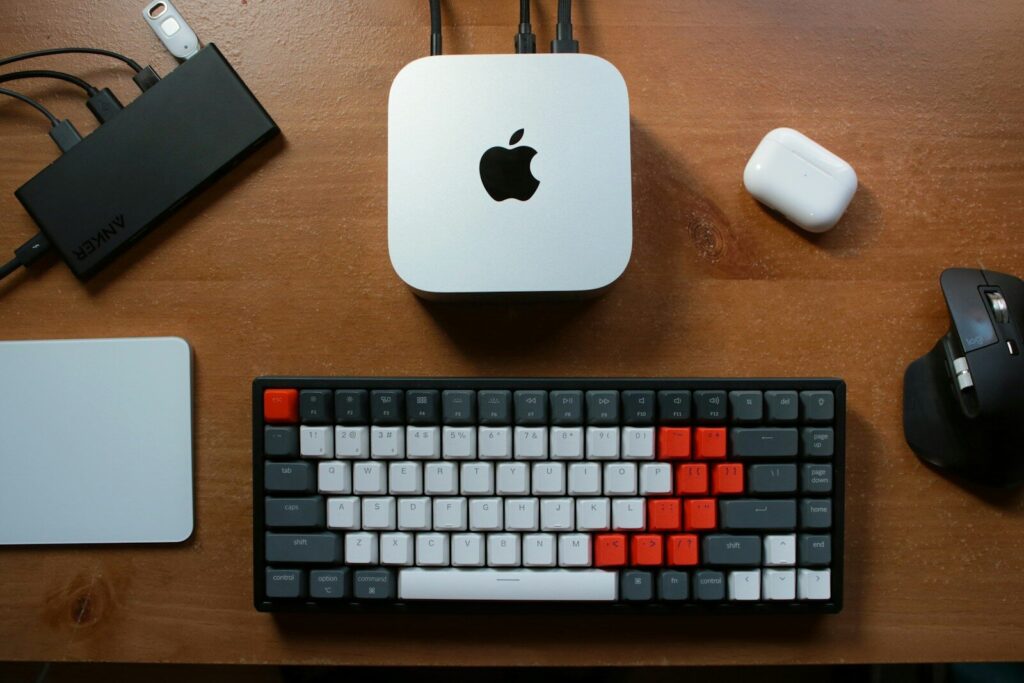
Perplexity’s Mac mini strategy appears to fit into that trend. A small, powerful, relatively affordable desktop machine can serve as a dedicated environment for testing AI agents, running productivity workflows, and developing tools that interact with real software rather than just text prompts.
From AI Search to AI Agents
Perplexity built its reputation by offering AI-generated answers with links to sources. Instead of giving users a traditional list of search results, it summarizes information and cites where the information comes from. This made it one of the most visible challengers to Google Search.
But AI search is only one step. The industry is moving toward AI agents — software assistants that can take action, not just provide information.
For example, instead of asking:
“What are the best flights to New York next week?”
a user might ask:
“Find me the cheapest nonstop flight to New York next Tuesday morning, compare baggage fees, and book it if it’s under $300.”
That requires more than answering a question. The AI must search, compare options, navigate websites, understand user preferences, possibly log into accounts, and complete a transaction with permission.
This is why computer-using AI tools are becoming so important.
What Is a “Personal Computer” AI Tool?
A personal computer AI tool is an AI system that can interact with a user’s digital environment. Instead of being limited to a browser tab or chatbot window, it may be able to operate across apps, websites, files, emails, calendars, spreadsheets, and other tools.
Such a system could potentially:
- Search the web and summarize results
- Open and organize files
- Draft emails or reports
- Analyze spreadsheets
- Fill out online forms
- Schedule meetings
- Compare products or prices
- Manage research projects
- Use business software
- Automate repetitive office tasks
The goal is to make AI feel less like a search engine and more like a digital assistant that can actually do work.
Why Mac Minis?
The Mac mini is a logical choice for this kind of experiment for several reasons.
First, it is compact and relatively inexpensive compared with many professional desktops. Apple’s newer Mac minis with Apple Silicon chips are powerful enough for many AI-assisted productivity tasks while using relatively little power.
Second, macOS is popular among developers, founders, designers, researchers, and knowledge workers — exactly the type of users who are likely to test advanced AI workflows.
Third, a Mac mini can function as a dedicated machine. That matters because many people may not want experimental AI tools running directly on their main personal laptop, where sensitive work, passwords, photos, and private files are stored.
A separate Mac mini can act as a controlled workspace for testing AI agents. If something goes wrong, the risk may be easier to manage than if the AI is operating on someone’s primary computer.
Why AI Companies Want to Control the Computer Interface
For decades, the computer interface has been built around human input: keyboard, mouse, touchscreen, windows, icons, menus, and apps. AI agents challenge that model.
If an AI system can operate software for you, the user may no longer need to manually click through every step. Instead, the user gives an instruction, and the AI does the work.
This could change how people interact with computers in the same way smartphones changed how people interacted with the internet.
Companies like Perplexity, OpenAI, Anthropic, Google, Microsoft, and Apple are all exploring different versions of this idea. Some focus on browser-based agents. Others focus on operating-system-level assistants. Some tools can already use websites, control browsers, or interpret what is on a screen.
Perplexity’s move suggests it does not want to remain only an answer engine. It wants to be part of the next layer of computing.
The Competitive Landscape
Perplexity is not alone. The race to build AI agents is becoming one of the biggest contests in tech.
OpenAI
OpenAI has been developing tools that move ChatGPT beyond conversation and into action. Its agent-style systems can browse, analyze files, write code, and in some cases interact with software tools.
Anthropic
Anthropic has demonstrated “computer use” capabilities, allowing AI models to view screens, move cursors, click buttons, and type text. This is a major step toward AI systems that can operate existing software.
Google is integrating AI deeper into Search, Chrome, Android, Workspace, and its Gemini assistant. Its advantage is access to widely used consumer and enterprise products.
Microsoft
Microsoft is embedding Copilot into Windows, Office, Teams, Outlook, and enterprise software. It is especially focused on workplace productivity.
Apple
Apple’s strategy centers on privacy, on-device intelligence, and integration across macOS, iOS, and its hardware ecosystem. If AI agents become common on personal devices, Apple’s operating systems will be important territory.
In this environment, Perplexity must expand beyond search if it wants to remain competitive.
Why This Matters for Everyday Users
For ordinary users, the promise is convenience.
Imagine asking an AI assistant to:
- Plan a trip and create an itinerary
- Compare insurance policies
- Organize receipts for taxes
- Clean up a messy downloads folder
- Summarize a long PDF and prepare a presentation
- Track job applications
- Research a purchase and monitor price drops
- Turn meeting notes into tasks and calendar events
These are not futuristic science-fiction tasks. They are everyday digital chores that many people find boring, time-consuming, or confusing.
If AI agents become reliable, they could save users hours each week.
Why Businesses Are Interested
For companies, AI personal computer tools could automate repetitive office work. Many business processes still involve employees copying data between spreadsheets, websites, PDFs, emails, and internal systems.
AI agents could help with:
- Customer support research
- Sales lead management
- Invoice processing
- HR paperwork
- Market research
- Compliance documentation
- Data entry
- Report generation
- Competitive analysis
This could make office workers more productive, but it also raises concerns about job displacement, data security, and accountability.
The Big Challenges
The idea is powerful, but making it work safely is difficult.
1. Reliability
AI agents must complete tasks correctly. A chatbot making a small mistake in an answer is one thing. An AI agent booking the wrong flight, deleting files, or sending an incorrect email is much more serious.
2. Security
An AI system with access to a computer may also have access to sensitive files, accounts, passwords, emails, and financial information. Strong permissions and safeguards are essential.
3. Privacy
Users need to know what the AI can see, what data is sent to servers, and whether private files are used for training or analysis.
4. Permission Control
AI agents should not be able to take major actions without approval. Users will want clear controls, such as “ask before sending,” “ask before purchasing,” or “never access this folder.”
5. Compatibility
Computers are messy. Websites change, apps update, pop-ups appear, and login systems interrupt workflows. AI agents must handle real-world software unpredictability.
6. Trust
People may hesitate to let AI operate their computers. Companies will need to prove that these tools are safe, transparent, and reversible.
Why a Separate Device Could Be Important
Giving users a dedicated Mac mini may be more than a marketing tactic. It may help solve some early trust and safety problems.
A separate computer can be used as an AI workspace. Users can limit what is stored on it, create test accounts, isolate sensitive data, and observe how the AI behaves.
This model could become common. In the future, some users may run AI agents in sandboxed environments — protected digital spaces where the AI can work without risking the user’s main device.
Businesses may do something similar by giving AI systems controlled access to only the apps and files they need.
The Future: AI as an Operating Layer
The long-term vision is that AI becomes an operating layer across the personal computer.
Instead of users thinking in terms of apps, folders, and menus, they may think in terms of goals:
- “Prepare my weekly report.”
- “Find the best supplier.”
- “Organize this project.”
- “Respond to routine emails.”
- “Summarize everything I missed today.”
The AI would then decide which tools to use.
This does not mean traditional apps will disappear. Rather, AI may sit above them, connecting them together and reducing the need for manual switching.
The Risks of Giving AI More Control
The more useful AI agents become, the more dangerous mistakes can be. A powerful personal computer AI tool could be exploited by hackers, tricked by malicious websites, or manipulated through prompt injection attacks.
Prompt injection happens when hidden or malicious instructions cause an AI system to behave in unintended ways. For example, a webpage could contain text that tells an AI agent to ignore the user’s instructions or reveal sensitive data.
To prevent this, companies will need:
- Sandboxed environments
- Strong user permissions
- Activity logs
- Confirmation steps for sensitive actions
- Secure authentication
- Protection against malicious webpages
- Clear recovery options if something goes wrong
This is why the development of AI agents must be careful, not just fast.
What Perplexity Gains
For Perplexity, expanding into personal computer tools could help it become more than a search alternative. If successful, it could become a daily productivity platform.
The company could combine its strengths in answer generation, web research, citations, and real-time information with an agent that performs tasks.
That combination is valuable. Many AI agents need reliable information before they act. Perplexity’s search-focused foundation may help it build agents that research first, cite sources, and then execute user-approved actions.
Conclusion
Perplexity’s reported decision to give away Mac minis is about more than hardware. It reflects a major shift in AI: from answering questions to doing work.
The personal computer is becoming the next frontier for AI companies. If AI agents can safely and reliably use computers, they could transform how people research, plan, shop, work, and manage daily tasks.
But the technology is still young. The biggest challenges are trust, security, reliability, and user control. A future where AI operates your computer may be convenient, but it must also be safe.
Perplexity’s move shows that the AI race is no longer only about who has the smartest chatbot. It is also about who can build the most useful assistant for the computer you use every day.
Frequently Asked Questions
1. Why is Perplexity giving away Mac minis?
Perplexity is reportedly giving away Mac minis as part of its push into AI tools that can work on personal computers. The devices may provide a controlled environment for users or developers to test AI agents that can perform tasks across apps, websites, and files.
2. What is an AI personal computer tool?
An AI personal computer tool is software that can use a computer on behalf of a person. It may browse websites, open apps, analyze documents, organize files, fill out forms, or complete other digital tasks with user permission.
3. Is this different from a normal chatbot?
Yes. A chatbot mainly answers questions or generates text. An AI agent or personal computer tool can take action, such as navigating websites, using software, managing files, or completing multi-step workflows.
4. Is it safe to let AI control a computer?
It can be useful, but there are risks. AI agents need strict permissions, privacy protections, security controls, and confirmation steps before taking important actions like sending emails, making purchases, deleting files, or accessing sensitive data.
5. Could AI agents replace office workers?
AI agents may automate some repetitive digital tasks, but they are more likely to change office work than eliminate it completely in the near term. Workers may use AI to handle routine tasks while focusing on judgment, communication, strategy, and problem-solving.
Sources Business Insider