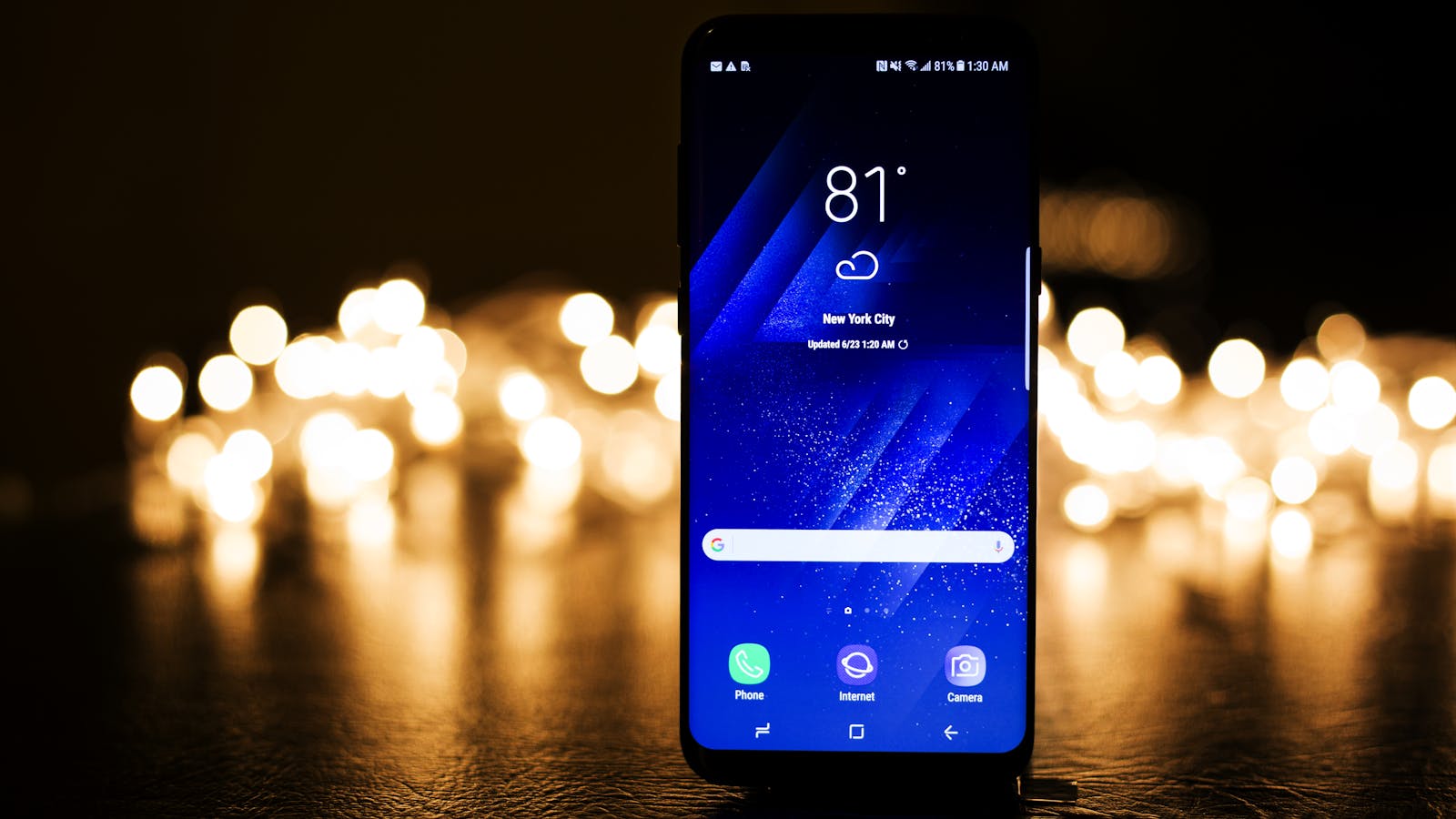
Google has rolled out its September 2025 Android update, and it’s packed with tools designed to make your phone smarter, your messages more creative, and your sharing easier. From AI-powered editing to customizable emojis and even a playful return of Androidify, this update blends productivity with personality.

AI in Your Pocket: Smarter Text Editing with Gboard
Typing just got a major upgrade. The new SmartEdit feature on Gboard uses AI to let you edit messages with your voice. Want to swap a word, remove a phrase, or add new text? Just say it out loud, and Gboard takes care of the rest.
For Pixel users, SmartEdit goes even further—adding context-aware suggestions like inserting travel details or quick reminders without leaving your keyboard.
Express Yourself: Emoji Kitchen Gets Favorites
Love remixing emojis? Now you can save your favorite blends in Emoji Kitchen, so you don’t need to recreate them each time. It’s fast, fun, and makes your conversations a lot more expressive.
Sharing Made Simple: Quick Share & Audio Upgrades
The updated Quick Share panel gives you better control when sending or receiving files, with a cleaner, more intuitive design.
Music fans will love the new Bluetooth audio sharing feature, which lets you play your tunes across multiple connected devices—perfect for group listening.
The Fun Side: Androidify Is Back
Remember creating your own quirky Android character? It’s back—now powered by AI. Snap a selfie, type in a fun prompt, and Androidify will create a unique Android bot version of you. It’s perfect for avatars, stickers, or just a bit of fun personalization.
Pixel & Wear OS Extras You Shouldn’t Miss
- Material 3 Expressive UI: Pixel 6 and newer phones get vibrant themes, animated icons, and custom call screens that rival iOS polish.
- Pixel Buds Pro 2: Adaptive audio adjusts sound automatically, while new gestures make calls and playback smoother.
- Wear OS Watches: Maps now pop up automatically when you’re walking or biking, so navigation feels effortless.
Why This Update Matters
- Faster Communication → SmartEdit saves time, letting you focus on what you say instead of how you type.
- More Creativity → From saved emoji blends to AI avatars, Android is giving you more ways to show personality.
- Smoother Sharing → Redesigned Quick Share and Bluetooth audio upgrades make collaboration and connection easier than ever.
FAQs: September 2025 Android Update
| Q | A |
|---|---|
| What’s the biggest new feature? | SmartEdit in Gboard—AI-powered, voice-based text editing. |
| Can I save my favorite emojis? | Yes, Emoji Kitchen now lets you save custom blends. |
| What’s new for Pixel users? | Material 3 Expressive UI, smarter keyboard tools, and Buds Pro 2 upgrades. |
| Any new sharing features? | Bluetooth audio sharing and a redesigned Quick Share menu. |
| Is Androidify back for good? | Yes—it’s revamped with AI so you can turn selfies into Android avatars. |
Final Thought
This update isn’t just about polishing Android—it’s about making it smarter, quicker, and more fun. Whether you’re streamlining your messages, personalizing your emojis, or bringing back Androidify nostalgia, September’s update proves that Android is doubling down on productivity and playfulness in equal measure.
Sources Google